> For the complete documentation index, see [llms.txt](https://recatch.gitbook.io/releasenotes/llms.txt). Markdown versions of documentation pages are available by appending `.md` to page URLs; this page is available as [Markdown](https://recatch.gitbook.io/releasenotes/updates/2025/2025-10.md).
# 2025년 10월
10월 리캐치의 릴리즈 소식을 전달 드려요!
### 1. 이메일 캠페인
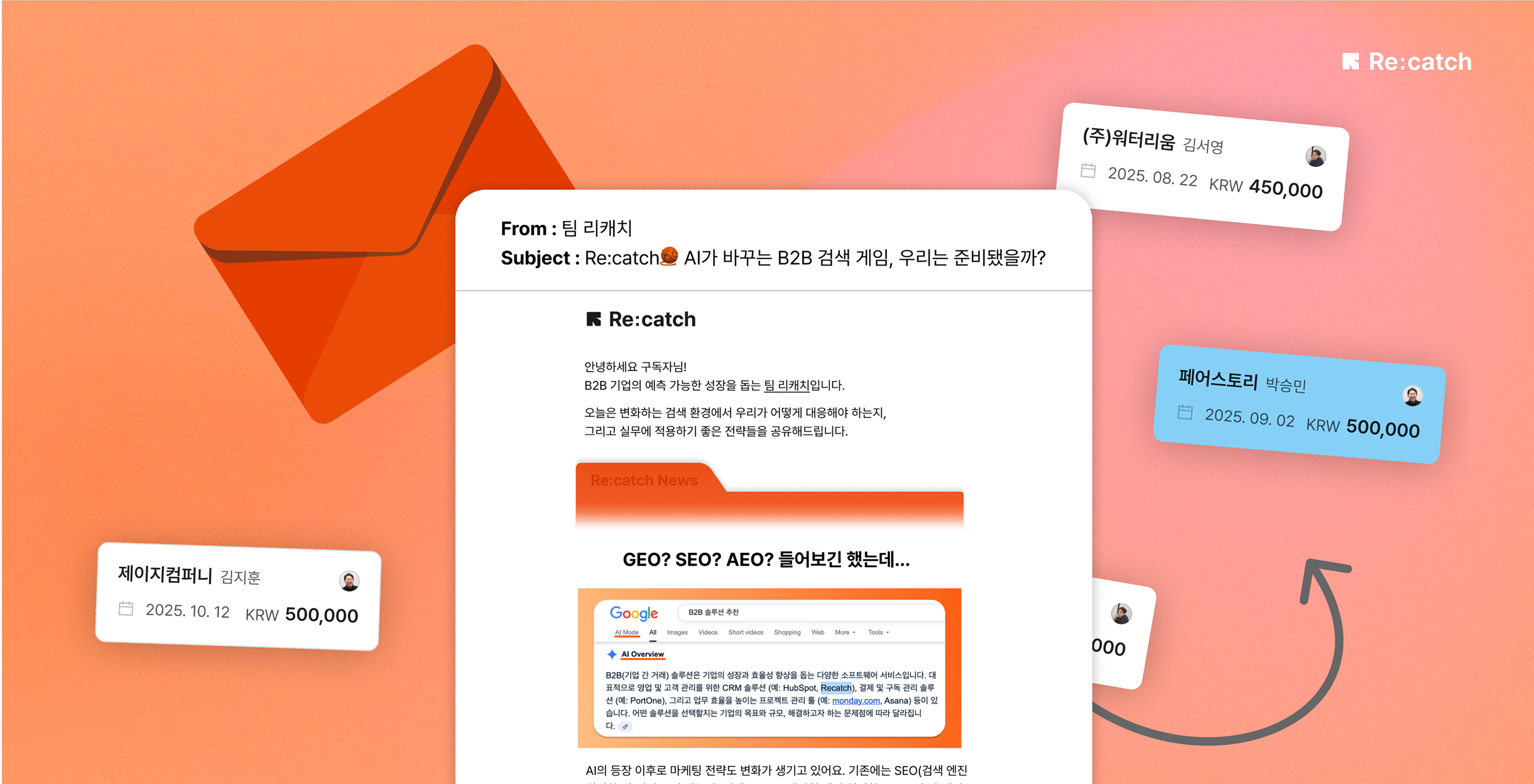
리캐치 내 리드/딜 대상으로 대량 이메일을 발송할 수 있어요.
이메일 캠페인 기능은 스탠다드 플랜부터 제공됩니다.
이메일 마케팅은 B2B 구매 결정에 59%의 영향을 줍니다. 그런데 CRM과 메일 툴을 따로 쓰며\
데이터가 단절되고, 성과는 불분명한 채로 남아있지 않으셨나요? 리캐치의 '이메일 캠페인' 기능\
으로 뉴스레터 작성부터 발송, 성과 확인까지 한 번에 진행하세요.
[이메일 캠페인 가이드 확인하기 ](https://guide.recatch.cc/ko/articles/email-campaign-ccc64cbf)
### 2. 흩어진 고객 데이터, 복사 붙여넣기로 손쉽게 업로드
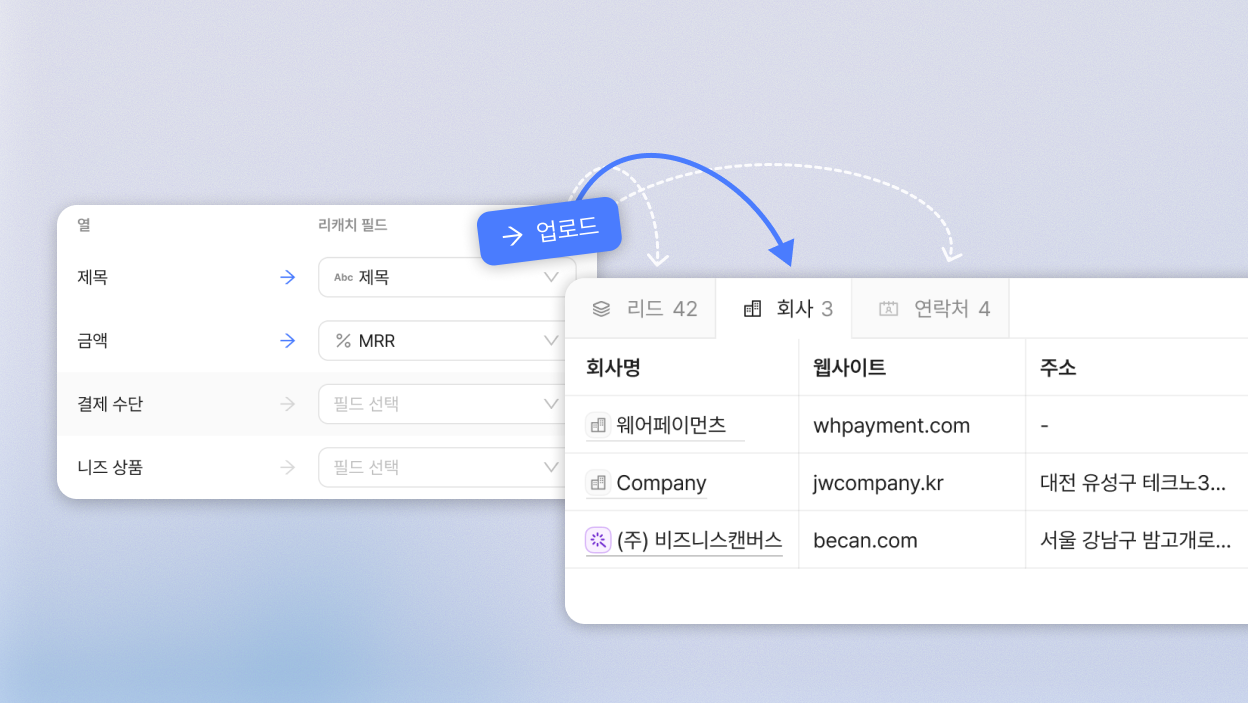
영업 가시성 확보와 파이프라인 관리, 그리고 이메일 캠페인까지 — 모든 시작은 잘 정리된 데이터입니다. 이제 리캐치에서 흩어진 고객 데이터를 클릭 몇 번으로 불러오고, 최신 정보로 손쉽게 관리해 보세요.
* 박람회에서 받은 명단이나, 다른 이메일 툴에 있던 DB를 복사,붙여넣기로 간편하게 업로드할 수 있습니다.
* 고객 정보가 리캐치 한곳으로 모여, 마케팅팀과 영업팀이 동일한 데이터를 기반으로 고객 여정을 관리할 수 있어요.
[대량 업로드 가이드](https://guide.recatch.cc/ko/articles/bulk-import-2e3e3b5a) 확인하기
### 3. 더욱 편리해진 메모 기능
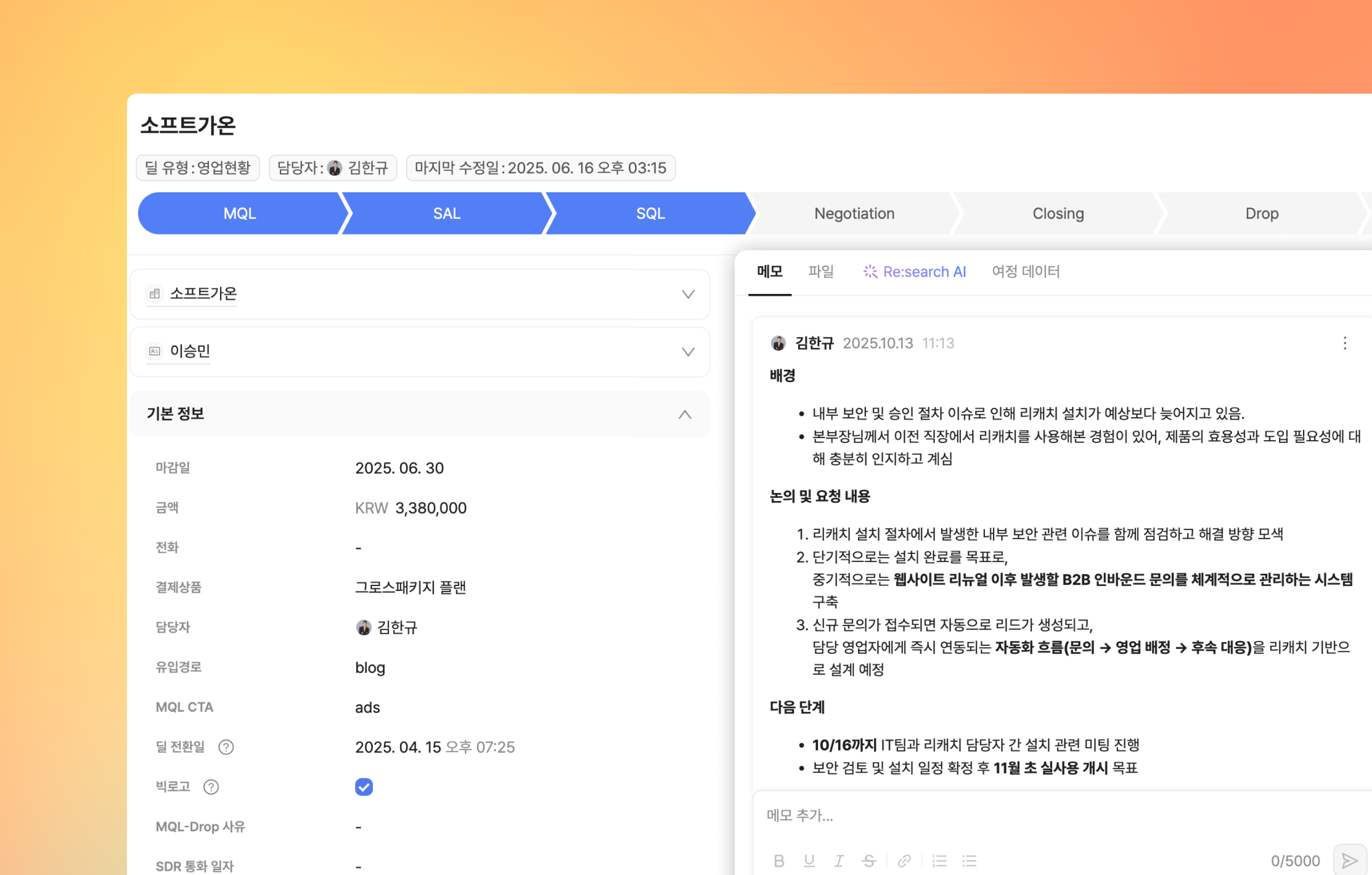
들여쓰기, 번호 목록 등 가독성 높은 형식으로 작성이 가능해졌어요!\
메모 자동 저장으로 작성 중 페이지를 벗어나도 내용이 안전하게 유지됩니다.
### 4. 안 쓰는 후속 이메일, 템플릿 삭제하기
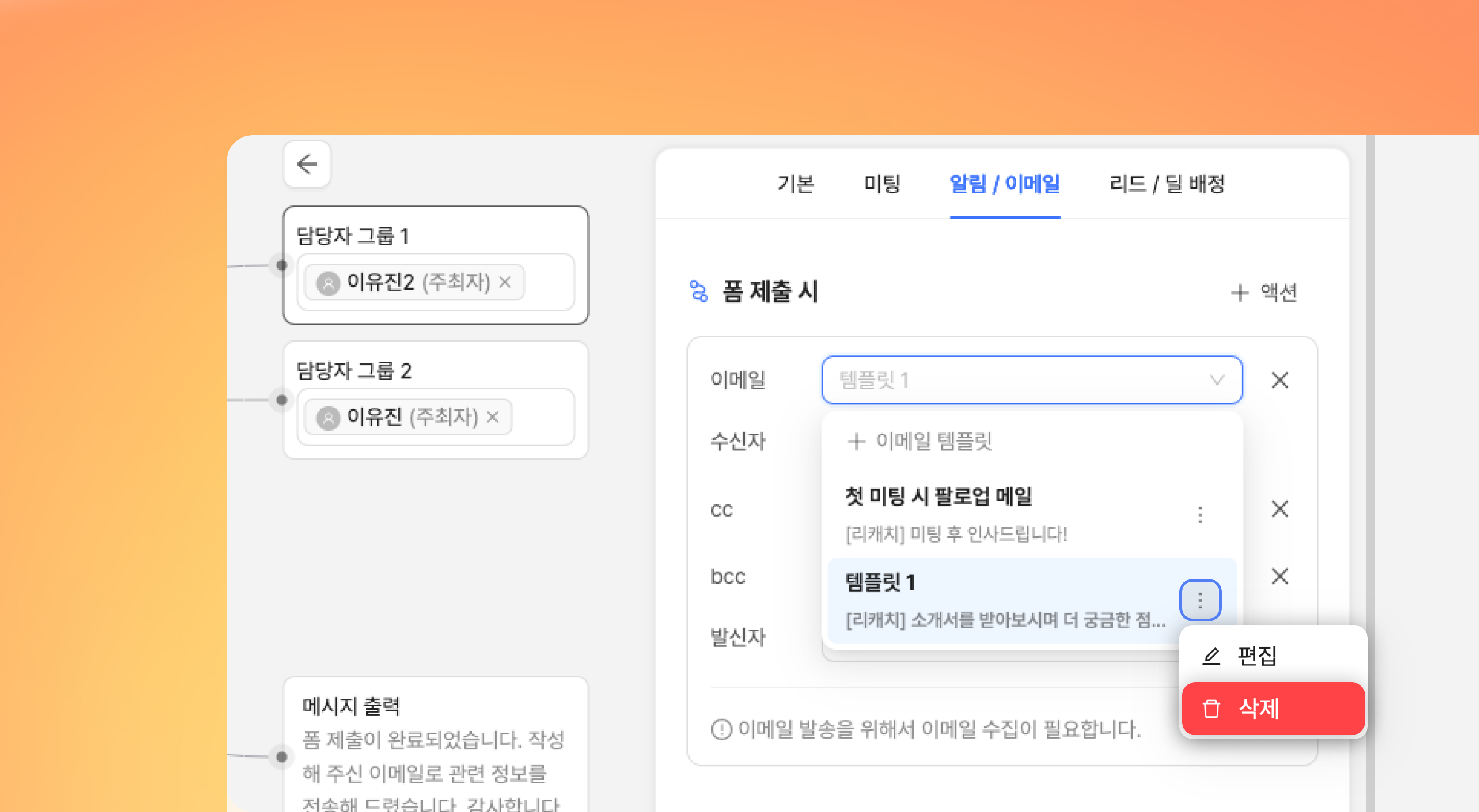
폼 제출 시 액션으로 발송 가능한 이메일의 템플릿 삭제가 가능해졌어요! \
삭제 버튼을 클릭해 안 쓰는 템플릿을 간편하게 정리할 수 있습니다.
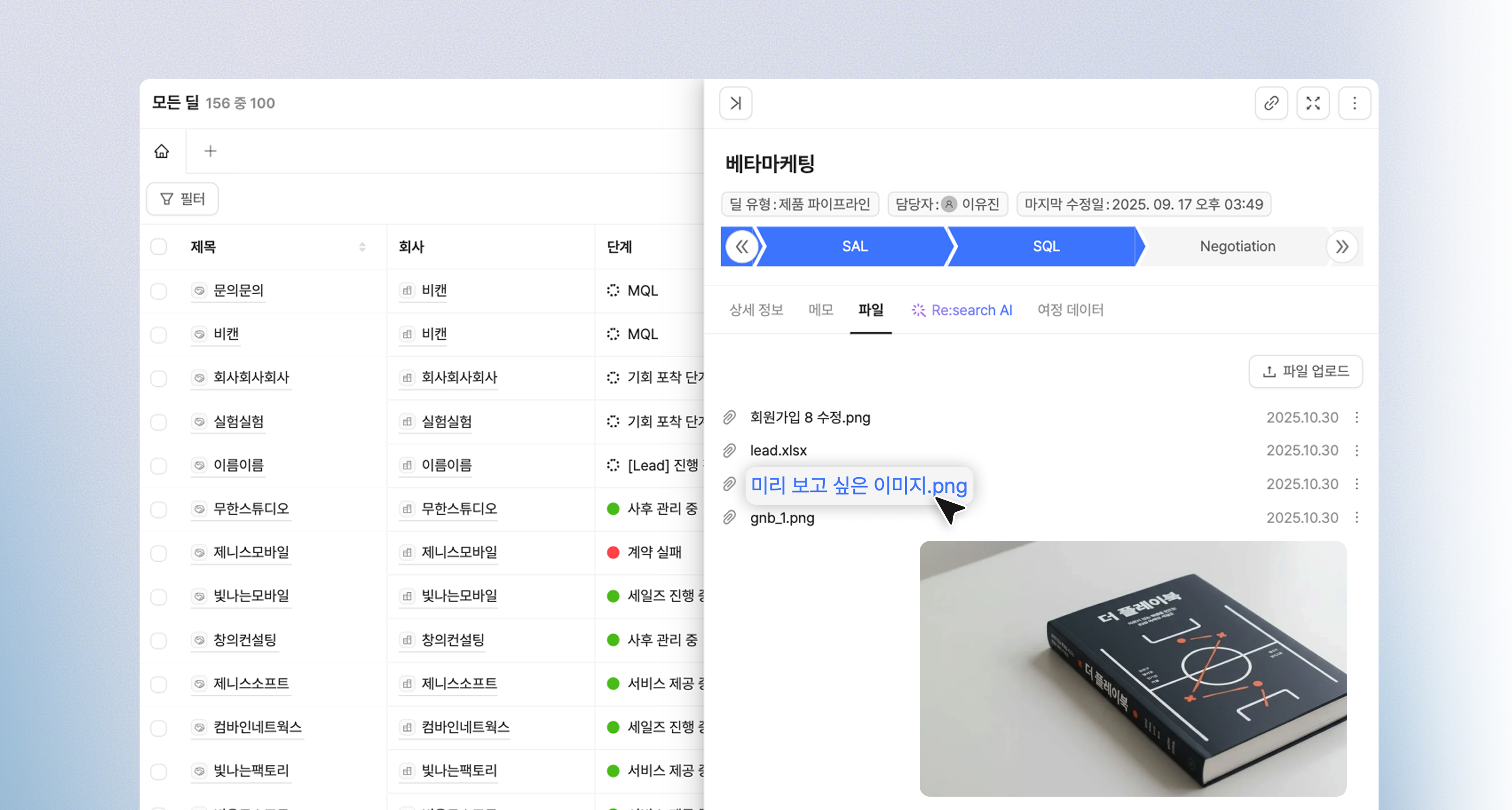
### 5. 이미지 파일 클릭 한 번으로 미리보기
파일 탭에 업로드된 이미지, 이제 일일이 다운로드하지 않아도 확인할 수 있어요! \
파일명을 클릭하면, 이미지 미리보기가 가능합니다.